Tag the film.
Get the truth.
One pass through the game becomes a box score, shot charts, level-calibrated player grades, an AI game report, and a 1080p highlight reel.
Paste a Veo or Hudl link and DimeClip pulls the broadcast cut, the title and the thumbnail. Tag the plays that matter while you watch. Everything downstream builds itself in the cloud.


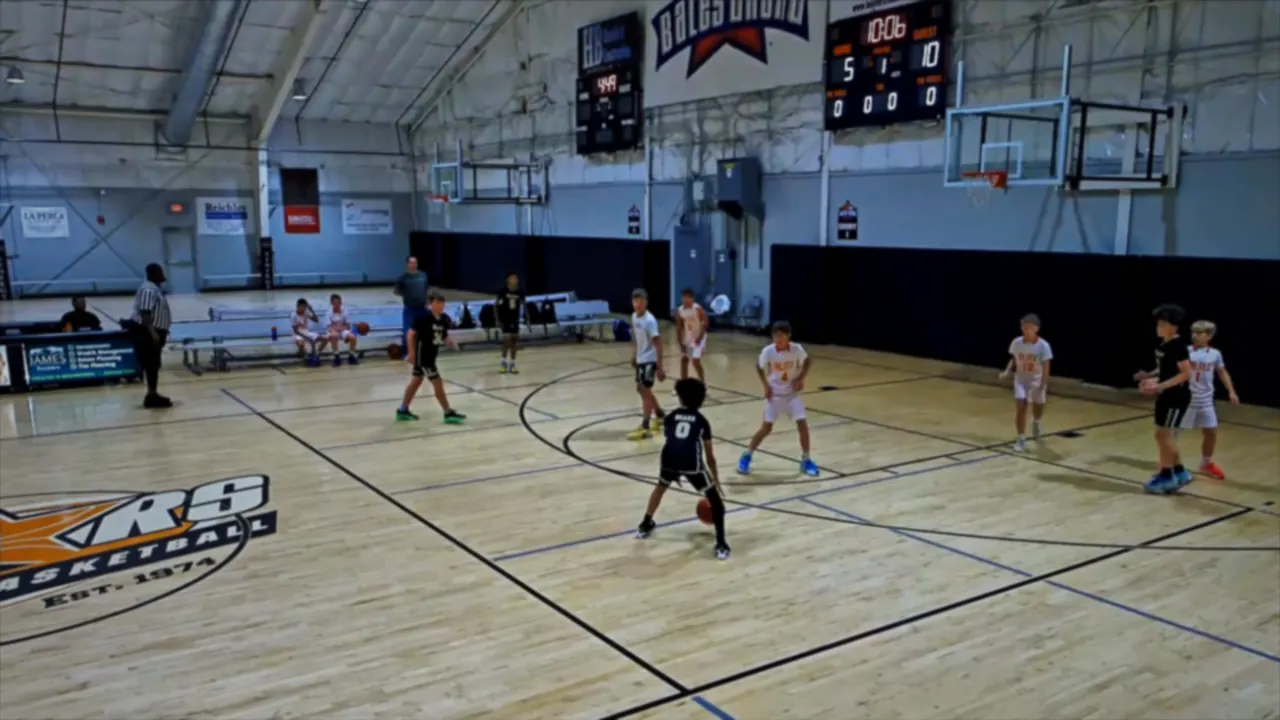
Three steps, no scorebook.
You coach the game. Tag the film once afterwards, and DimeClip turns it into the breakdown and the reel — so you walk into the next practice already knowing what to fix.
Bring the film
Paste a Veo match link and DimeClip pulls the followed-camera broadcast cut — not the raw panorama — with the title and thumbnail. Public Hudl highlights, Google Drive and Dropbox links work too, or upload the file yourself.
Tag the plays that matter
Your five on the floor sit on keys 1–5; makes, misses, boards, assists and steals sit under your other hand. Fat-finger one and the undo toast takes it straight back.
Get the whole package
Box score, shot charts, player grades and play-by-play render the moment you end the game. The AI story streams in behind them, and the reel builds in the cloud.
Tag as much or as little as you like. A game can stop at the final score, at a typed box score, or at a full tag stream — every rung is a real place to stop, and DimeClip never mixes two sources of stats for the same game.
Coach the game,
not the stat sheet.
Tag while you watch. Every player on the floor is one keystroke away, so a made three, the board that started the break, and the assist that finished it all land in the log without you leaving the video.
He scores a lot.
He also takes a third
of your shots.
Every tag feeds shot charts, true shooting and effective field goal percentage, shot share, pace, and which fives actually outscored people. The numbers a scorebook hides are the ones that change what you run on Tuesday.
It writes up the game.
It doesn’t decide
the ratings.
End the game and the report is already there — score, player ratings, box score, shot chart. Only the written story streams in behind it, so the AI never stands between you and the payoff. Three sections, every time: The Story, Players, and This Week’s Focus.
One click.
A broadcast, not
a screen recording.
The reel reads the play before it cuts it. A three earns a slow ramp and a freeze frame — with a lower-third name card when it is that player’s own reel. A two cuts lighter. A made free throw gets a clean cut, because a free throw in slow motion is padding.
Send a player their own film session.
Pick the plays, record your voice over each one, and send a link. They watch you walk through their own game — no account, no app, no group chat scrolling. It is the conversation you never have time for after a Saturday double-header.
Your film stays yours.
We do not sell your film, your roster or your team data, we do not use it to serve advertising, and we do not hand your private content to anyone to train foundation models on.
The questions coaches ask first.
What film can I use?
Veo match links, public Hudl highlight links, Google Drive and Dropbox share links, and files you upload yourself — up to 5 GB each. A YouTube link will play and tag fine, but it cannot be cut into clips or reels. GameChanger, BallerTV, LiveBarn and private Hudl film cannot be pulled at all; DimeClip tells you so at the moment you paste, and tells you what to do instead, rather than failing quietly an hour later.
Is this live scoring at the scorer’s table?
No. DimeClip is built for tagging against film, usually after the game, where you can rewind. Tagging queues everything locally, so a dead gym signal never costs you the work you have already done.
Do I have to tag the whole game to get anything?
No. A game can stop wherever you stop. A final score alone gives you a season record. A typed box score gives you season stats. Tag the film and you unlock shot charts, grades, the AI report and clips. Tags always make clips; they only feed the stat sheet when you are doing a full-stat tag pass, so five highlight tags will never leak six invented points into your season.
Can I do all of this on my phone?
Phones consume, desktops produce. Watching film, reading the report, checking stats, sharing reels and quick box-score entry are all good on a phone. Tagging a full game and building reels want a real keyboard and a bigger screen — and the share links your parents open are built to be flawless on a phone, because that is where they open them.
What if I’m ten games into the season already?
Paste your schedule in from whatever you already use, type the scores or box scores you have, and your season is live immediately. Film is optional per game. Nothing about DimeClip assumes you started in November.
What does it cost?
A coach’s team is free, and there is no card to add. Larger programs that need more seats, more storage and more rendering will have paid plans. Generous limits keep one very big season from slowing the service for everyone — and if you ever reach one, DimeClip names the limit instead of quietly dropping the job.
I used to spend Sunday night scrubbing film with a notepad. Now I upload after the game and walk into Monday’s practice already knowing which lineups to fix.
Your film is already
full of answers.
Paste the link after the game. Walk into practice with the box score, the grades, the report, and a reel the parents will actually share.